How the calculation works
Charging time is the amount of charge that has to go into the battery divided by how fast it goes in. The amount is easy: a 5,000 mAh battery charging from 20% to 80% needs 60% of 5,000 mAh, which is 3,000 mAh. The speed is the charging current at the battery, in mA.
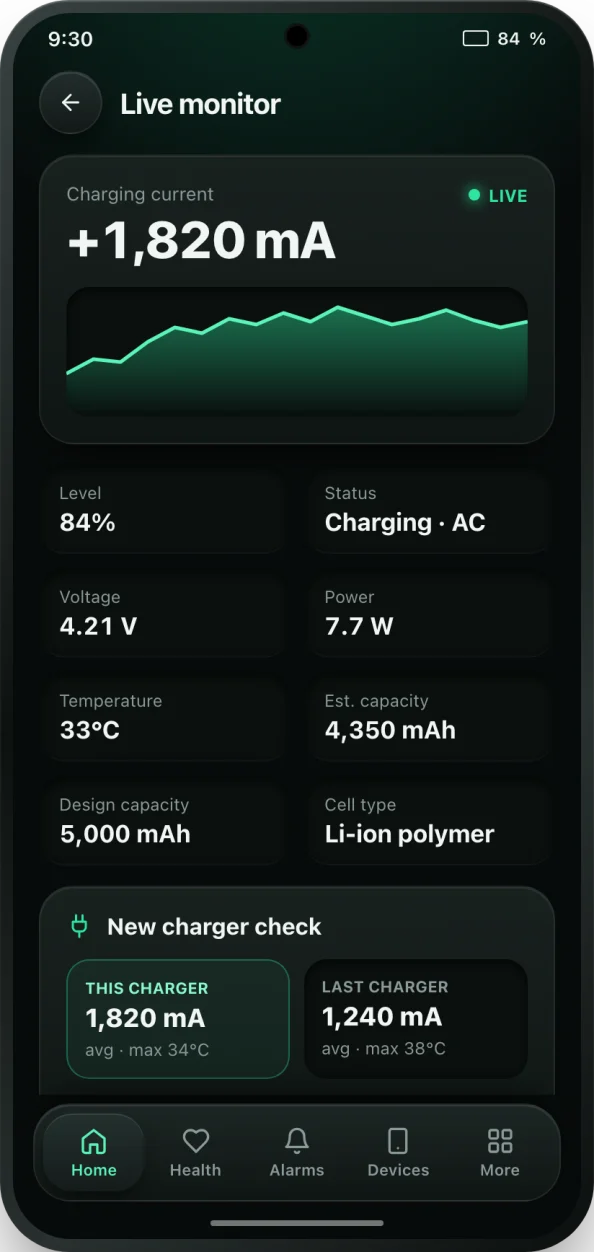
If you know the charging current, for example from bCare's live monitor, the calculator uses it directly. If you only know the charger's power in watts, it converts watts to current at the battery: current (mA) = watts × 0.85 / 3.85 V × 1,000. The 3.85 V is a typical nominal voltage for a phone's lithium-ion cell, and the 0.85 allows for about 15% of the power being lost as heat in the charger, cable and phone.
Above 80% every phone deliberately slows down. The charger switches from constant current to constant voltage, and the current tapers off as the battery fills. The calculator models this simply: the part of the charge above 80% runs at about half the speed of the part below it. So the formula is:
- Time below 80% = capacity × (share of the charge below 80%) / current
- Time above 80% = capacity × (share of the charge above 80%) / (current × 0.5)
- Total time = time below 80% + time above 80%
Example: a 5,000 mAh phone on a 25 W charger gets roughly 5,500 mA at the battery. From 20% to 80% that is 3,000 mAh / 5,500 mA, about 33 minutes. Going on to 100% adds 1,000 mAh at half speed, about 22 minutes more.
Why your real charging time may differ
The result is an estimate, and real phones vary. The watt rating on a charger is its maximum; your phone only draws that much if both support the same fast charging standard and the cable can carry it. Many phones also cap their own charging speed, so a 65 W charger on a phone that accepts 25 W still charges at 25 W.
Temperature matters too. A warm battery charges more slowly, because the phone reduces the current to protect it. Using the phone while it charges, especially for games or video, takes power away from the battery. And the exact point where the taper starts, and how steep it is, differs between models.
For an exact figure on your own phone, measure the charging current rather than relying on the label. bCare's live monitor shows the current in mA while you charge, and its charger speed test compares chargers and cables for you.
Tips for faster, healthier charging
- Charge from a low level when you are in a hurry: the first 50% is the fastest part of any charge.
- Stop at 80% when you can. You skip the slowest part of the charge and the most stressful part for the battery. bCare's 80% charge alarm tells you when to unplug.
- Keep the phone cool and out of a thick case while fast charging.
- Replace a cable that charges noticeably slower than others; worn cables are a common bottleneck.