The formula
Battery life is the usable charge in the battery divided by the current the device draws:
- Usable charge (mAh) = capacity × (health / 100) × ((start % - stop %) / 100)
- Battery life (hours) = usable charge (mAh) / average draw (mA)
Example: a 5,000 mAh battery at 90% health holds about 4,500 mAh. Starting from 100% and stopping at 20% uses 80% of that, 3,600 mAh. At an average draw of 300 mA, that lasts 3,600 / 300 = 12 hours.
Choosing the average draw
The average current is the number that matters most, and it changes a lot with what you do. A phone sitting idle with the screen off might draw only a few tens of mA. Messaging and browsing with the screen on often draws a few hundred mA. Video, navigation, video calls and games can draw close to 1,000 mA or more, especially at high brightness or on mobile data with a weak signal.
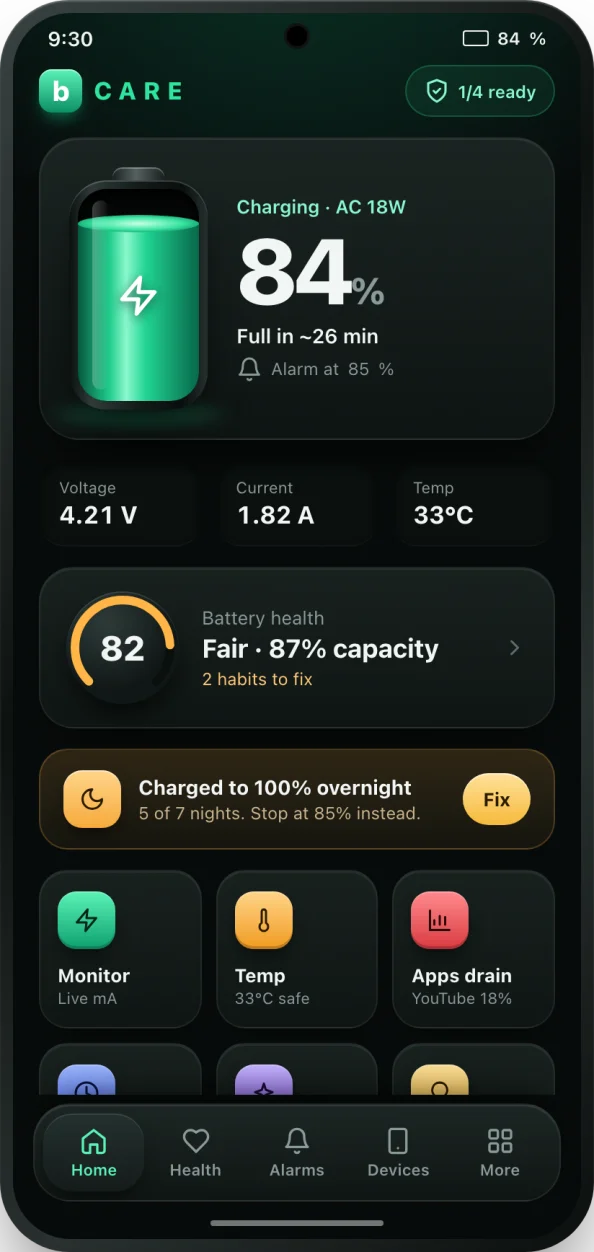
Screen brightness, mobile data versus Wi-Fi, signal strength and the age of the phone all shift these figures, so two phones with the same battery can last very different times. The presets in the calculator are rough starting points, not measurements of your phone. For a real number, watch the discharge current in bCare's live monitor while you use the phone normally, or note how many percent the battery drops in an hour and work backwards: a 5,000 mAh battery that drops 6% an hour is drawing about 300 mA.
Why health and stop level matter
A worn battery holds less, so the same use drains it faster. Entering the health percentage gives a more honest estimate than the capacity on the box. If you do not know it, the battery health calculator can work it out from mAh, and bCare measures it automatically.
The stop level is where you plan to plug in. Running a lithium-ion battery to 0% is hard on it, so a stop level of 20% gives a more useful answer: the time until your low battery alarm should ring. bCare's low battery alarm rings at the level you choose.
Limits of the estimate
Real batteries deliver slightly less than their rated capacity under heavy load and in the cold, and the percentage shown by the phone is itself an estimate. Treat the result as a guide, accurate to within roughly 10 to 20% for steady use. If your real battery life is far below the estimate, look for apps draining battery or a battery that has worn more than you think.